Compress PDFs to upload size limits
Pick 100KB / 200KB / 1MB targets for exam, visa and government portals. Merge, split, convert and watermark too, then save repeated steps as a local workflow. Files never leave your browser.
Drop a PDF, get it under your size limit
Free · instantCommon cases: exam sign-up ≤200KB, visa documents ≤1MB, government portals ≤500KB
How to compress
This tool usesrasterizationto compress, which is best forscanned / photo-based PDFs. A text-only PDF becomes an image after compression, so youcan no longer copy or search the text — if you need selectable text, don't use this tool on a pure-text document.
Watch it binary-search clarity against size in real time until it lands just under your target. Other tools charge for that math — here it's free and fully offline.
- 15+
- PDF tools
- 100%
- Local
- 0
- Uploads
- 90%+
- Avg. saved
What is PDF compression?
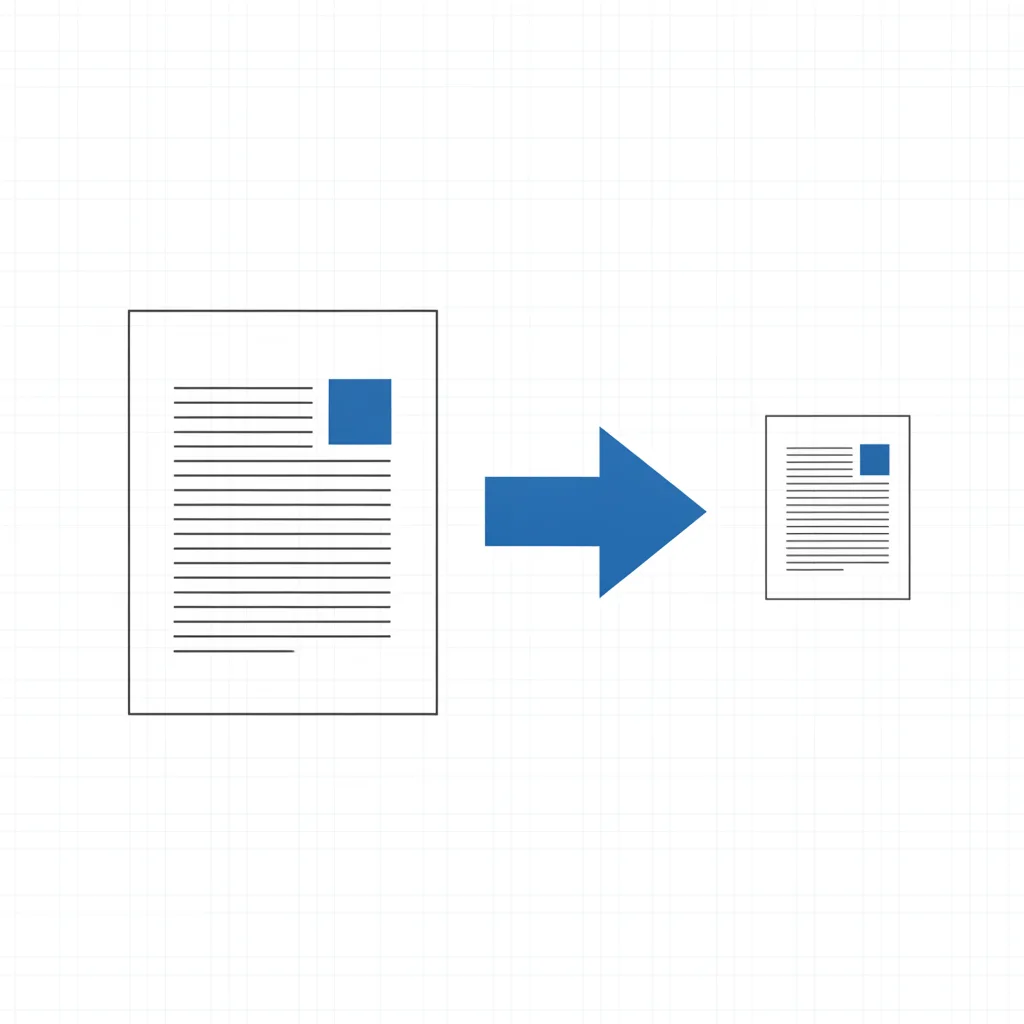
PDF compression reduces a PDF's file size by re-encoding page content and down-sampling its images. Exam-registration, visa-application and government portals often cap uploads at 100KB–1MB, and compression lets oversized scans, ID photos and contracts fit those limits while keeping them as sharp as possible. compress cat does the whole thing in your browser, free and private with nothing uploaded, and homes in on the exact size you set (200KB, say) for you.
PDF compression guides.
Shrink it just enough to uploadEvery PDF tool you need.
All run in your browserCompress PDF
Set 100KB / 200KB / 1MB and it binary-searches clarity against size to land just under your upload limit — the signature tool, free and local.
Open compressorMerge PDF
Drop several PDFs in, set the order, export one file. Lossless.
Split PDF
Break one multi-page PDF into a file per page, then grab just the pages you want.
Rotate PDF
Scanned it sideways? Straighten the whole thing and export.
Image to PDF
A pile of images, packed into one PDF.
Add watermark
Stamp text like CONFIDENTIAL across every page.
Delete pages
Drop the pages you don’t want — blanks, misscanned sheets, extra appendices — and keep the rest. Ranges like 2, 5-7 work.
Sign PDF
Draw or upload a signature, click the page to place it, stamp. Built for the sign-it-and-send-it-back rhythm of contracts and forms.
Add page numbers
Stamp a number on every page — styles like “1 / N”, “Page 1” or “- 1 -”, header or footer, starting from any number you set.
PDF to Word
Pull the text out of a PDF into an editable Word (.docx) you can keep working in.
PDF to PPT
Turn a PDF into PPT (.pptx): editable text, or an image-per-slide mode with 100% visual fidelity.
OCR (searchable PDF)
Add a text layer to scanned / image-based PDFs so they’re searchable, selectable and copyable (Chinese & English).
PDF to Excel
Pull tables out of a PDF into an editable Excel (.xlsx). Works best on clean tables.
Office to PDF
Convert Word, Excel and CSV files to PDF so they open and print the same anywhere.
Edit PDF
A visual markup tool to add text and white-out blocks to a PDF (it can’t change existing text). To truly erase sensitive content, use True Redact.
PDF Inspector
Drop a PDF and get a local checkup in seconds: what’s eating the bytes, what private metadata it leaks, whether it’s searchable, and any fake redaction.
True Redact
Permanently erase sensitive content from a PDF — redacted pages are rasterized and the underlying text is physically deleted, so it can’t be copied back. Not a fake black box.
Fill PDF Form
Fill interactive form fields — and even scanned / flat forms with click-to-place text, ✓ and ✗. Most tools only do the former.
Chain single tools into one automated pipeline
Pick a template → set parameters → run a whole batch in one click, and save it on your device to reuse. Chain merge, compress, rotate, OCR, watermark and page numbers into one pipeline — define it once, skip the manual clicking every time.